
Order & Delivery Experience
Follow the order from start to finish.
Pinpoint where a delivery, drive-thru, app, or takeout order worked well or went wrong.
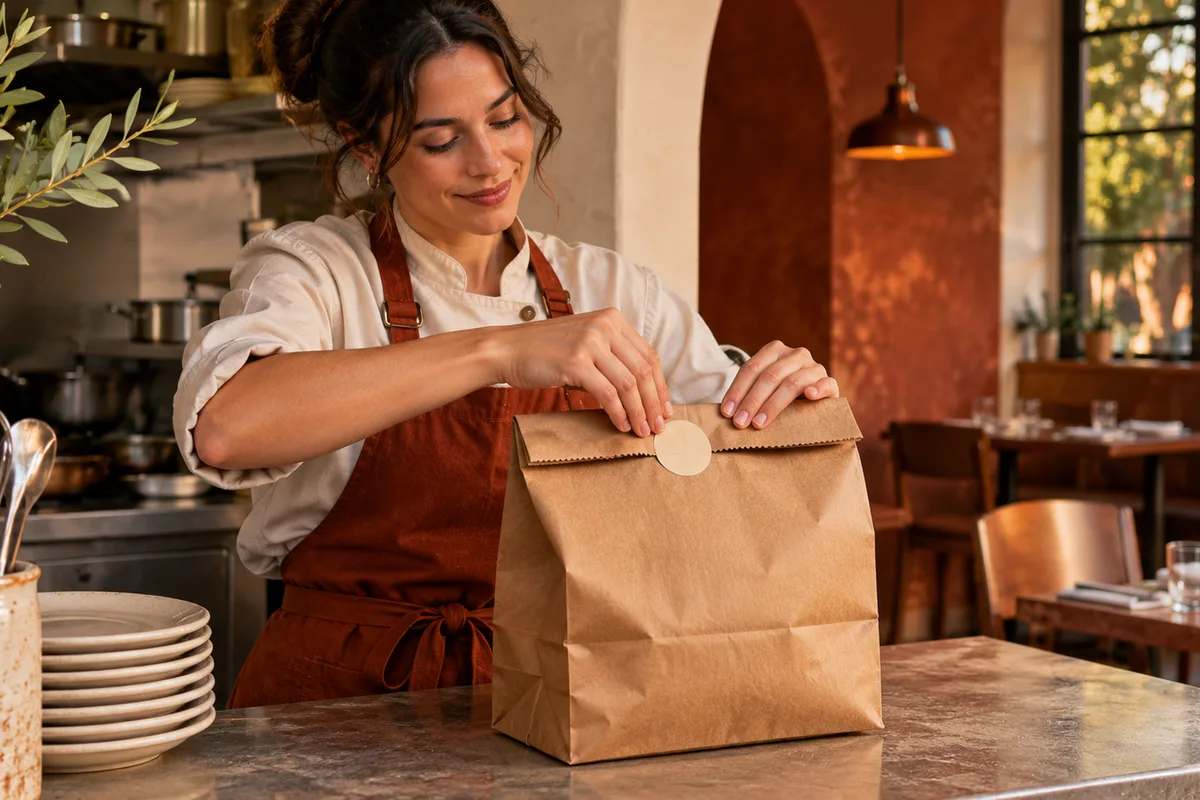
Capture the channels involved
A Slim Chickens order may be placed in an app and collected at the counter. Record the ordering channel and the handoff separately, and use the service shown on the confirmation for active help.
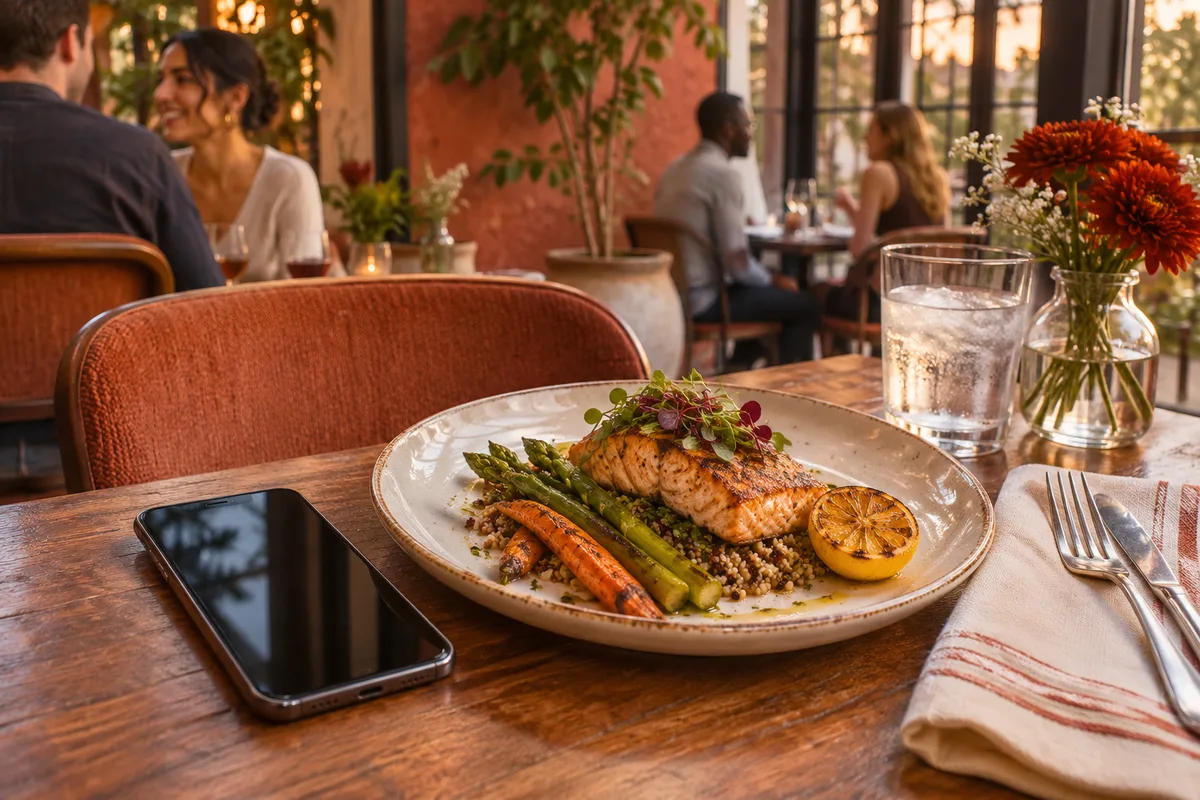
Compare the order with the bag
Start with the confirmation. Note what you selected on the Slim Chickens menu, what came in the package, and whether a substitution was disclosed.
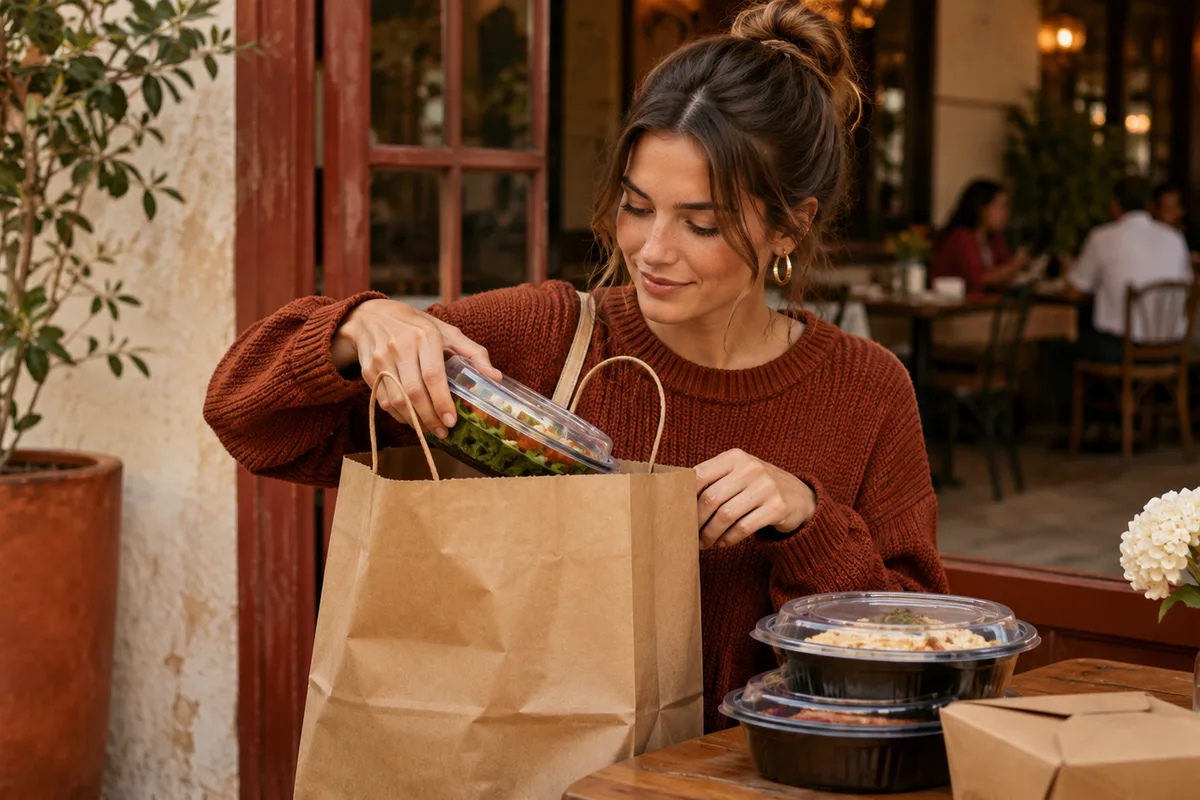
Write down the elapsed time
Separate placement, estimated readiness, pickup, and arrival. Describe which times came from a receipt or app and which are your estimates.
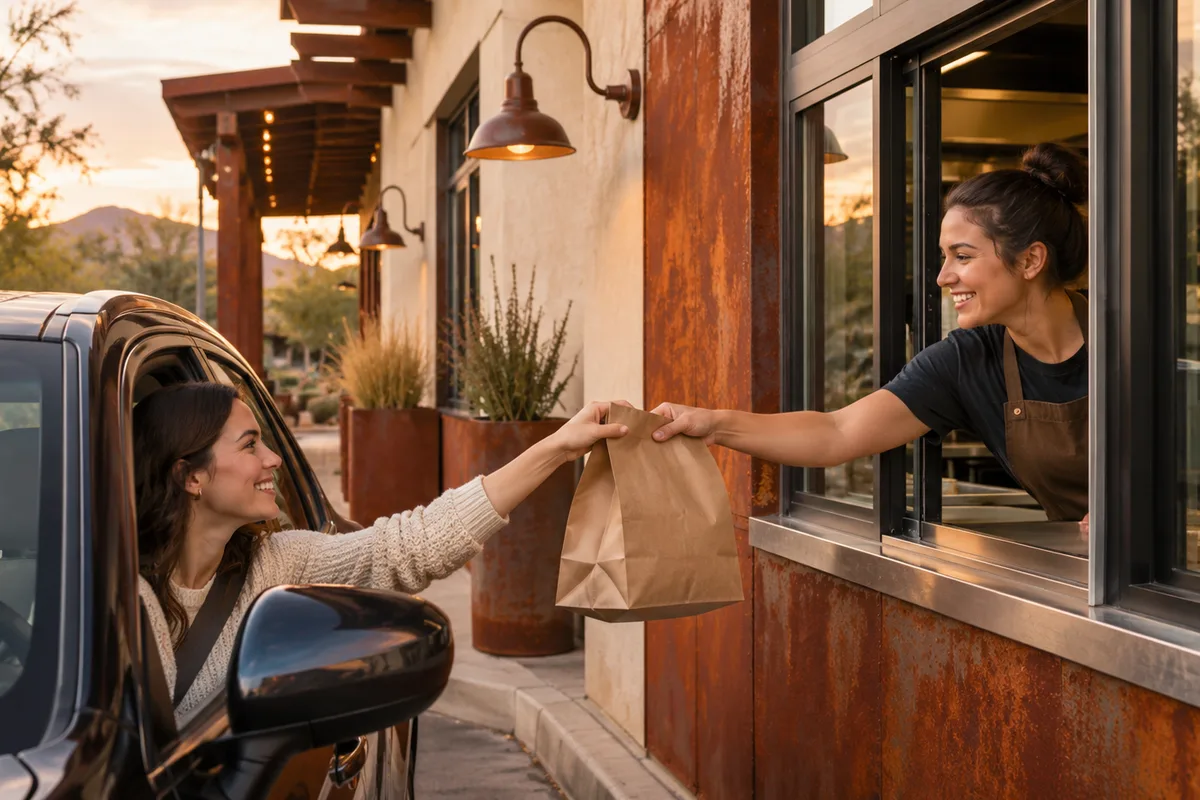
Describe the condition at handoff
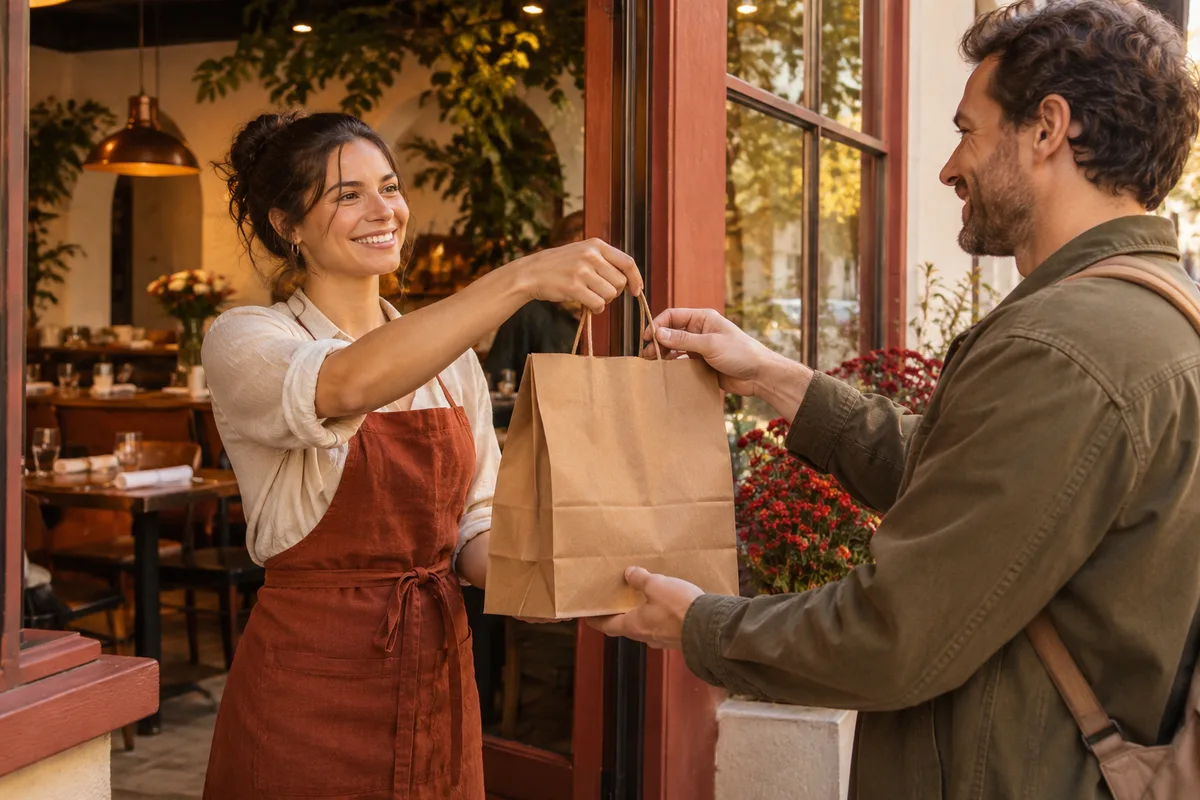
Note a loose lid, torn seal, or missing bag at the time you received the order. Use observable details and avoid assigning responsibility when multiple parties handled the order.
Choose the next step
When delivery is active or an item is missing, use the restaurant or ordering provider directly. Keep receipts private unless an authorized channel needs them to locate the order.
For an order still in progress
Reach Slim Chickens or the provider listed on the order if you need direct help.
Compare your final confirmation with the choices you made from the Slim Chickens menu.
Smislechicks provides guidance for preparing a review. Use the feedback guide to outline the details before sharing them.
What stood out on your visit?
Use Smislechicks to put the details into words while the experience is fresh.