Review the decision you had to make
A menu helps a guest decide what to order and what to expect when it arrives. Think about the question you were trying to answer: which sides come with the meal, how spicy a sauce is, or whether an item can be customized. Note where the decision happened. A counter board may display information differently from an app, and a separate ordering provider may organize choices another way.
If you are describing the Slim Chickens menu, identify the channel and the location you selected. A short description of the path is often enough. Explain the point at which you found what you needed or had to ask someone for clarification.
Distinguish wording from availability
An item you saw on a menu may be unavailable for a particular order. State whether you learned this before selection, during checkout, or after you placed the order. If a substitution was proposed, explain what you were offered and whether you had enough information to choose. These details describe how the information reached you.
At Slim Chickens, you might select a side while viewing a meal and discover later that your preferred option was unavailable. If the interface clearly showed the change before you paid, that is worth mentioning. If the selection vanished without explanation, describe exactly what changed on the screen. Both accounts can help identify how well availability information is presented.
Talk about expectations without treating taste as universal
A menu description can communicate portion, preparation, ingredients, or flavor. When the description shaped your expectation, name the relevant phrase in your own words. Then describe the dish you received. A guest who finds a sauce sweeter than expected can explain that the menu emphasized its heat. Another guest might enjoy the same sauce and still find a description of its sweetness helpful.
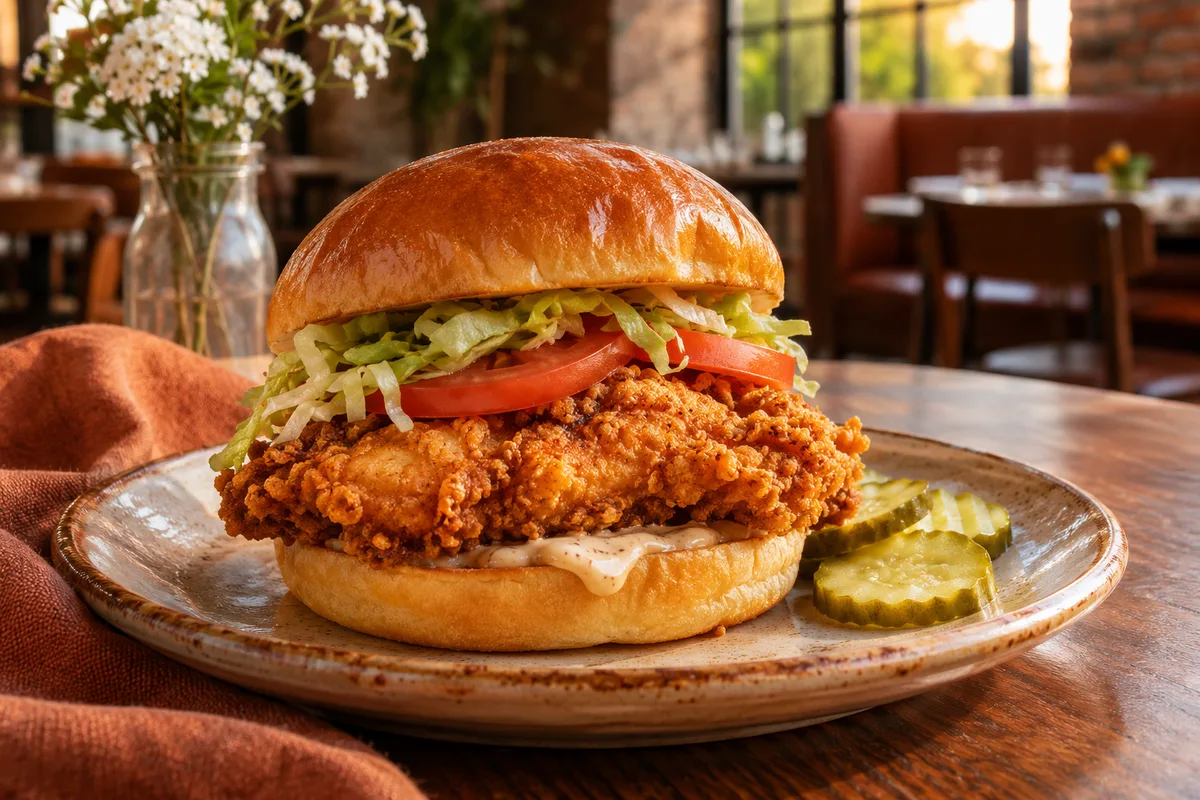
Keep practical questions visible in your account. You might have wanted to know whether the sauce came on the sandwich or on the side. That small detail can change the order for a guest who wants to control how much sauce they use. It is a clearer request than simply saying that the menu needs more detail.
Give a specific suggestion
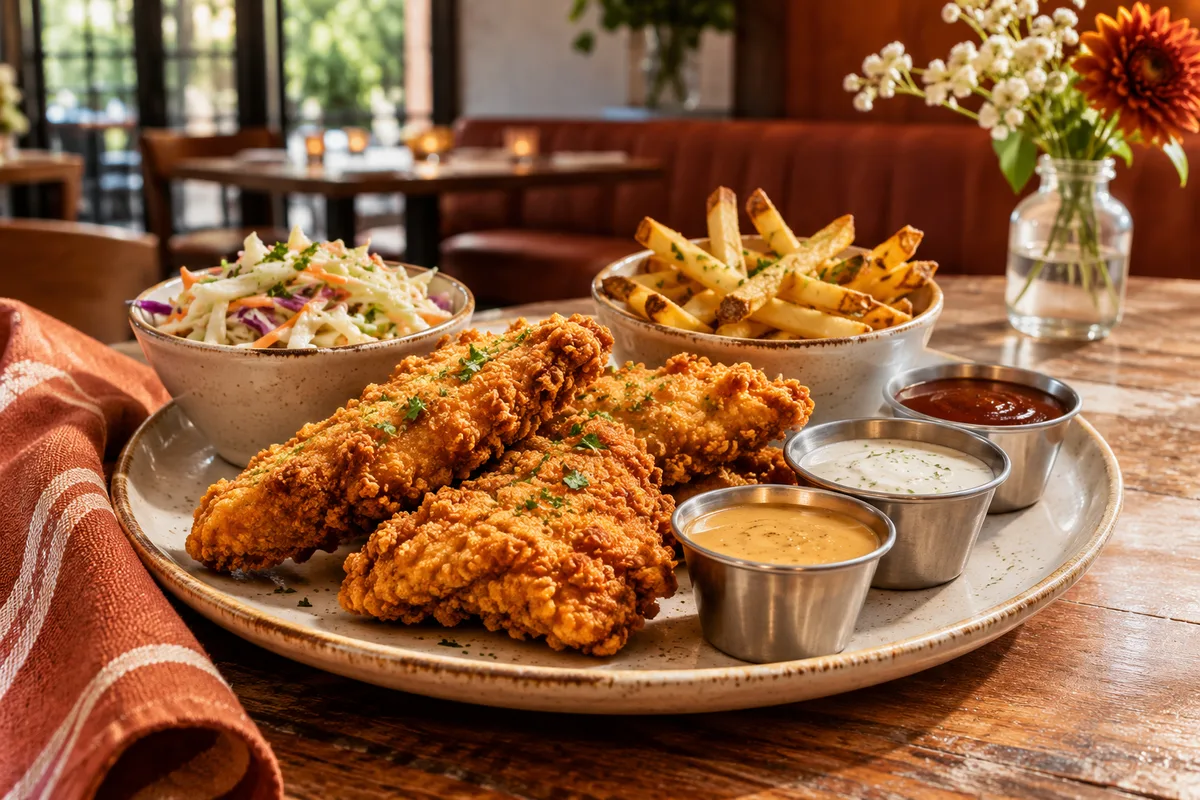
Suggest a change at the point where it would help. If you needed to leave checkout to compare sides, suggest showing the side description alongside the selection. If a photographed item looks different from what the meal includes, suggest identifying which components are served together. A specific suggestion lets the reader imagine the change and decide whether it addresses the problem.
Positive feedback can work the same way. A clear customization summary may help you confirm an order before paying. Explain what the summary showed and why that was useful. Smislechicks welcomes this kind of observation because it identifies an experience worth preserving alongside any changes you propose.
Capture the point of confusion
You can keep a short note as you move through a menu: the page you were on, the option you were considering, and the information that would have helped. A guest weighing two meals might need the number of included sides, while another guest might care about whether a sauce can come separately. After checkout, compare the item description with the summary. If both tell the same story, the issue may be how visible the information was at the time of the decision.
Check what belongs in the message
Describe only the part of the experience you can verify. If you have an image of a menu board, crop faces or identifying details. If you use a confirmation, leave out information unrelated to the example. When you want current ingredient or allergen information, contact the restaurant directly. A menu review is valuable as an account of your own ordering experience.
A short illustration might read: “I could select a side before checkout, but the sauce choice appeared on a different screen. Showing both choices on the final summary would have helped me check the meal.” That describes the decision you faced, names the gap, and points to a place a reader can look. Use the current Slim Chickens menu for product details and official Slim Chickens support for an order adjustment.